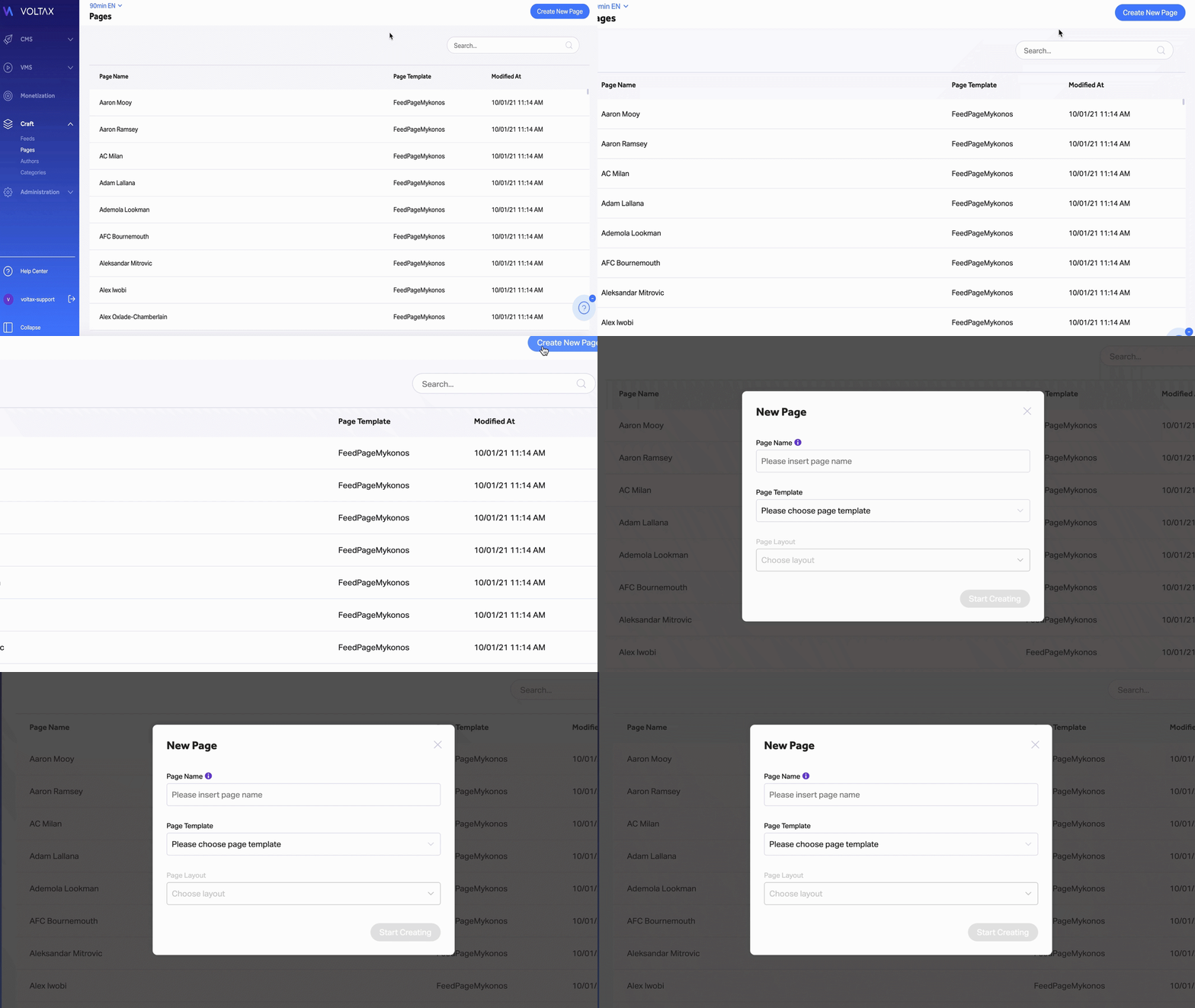
To create a new widget page, follow the following steps:
- Enter the "Pages" section within Craft
- Click on the "Create new page" button on the top-right part of the screen.
- Name the page (for internal purposes)
- Select the Page Template (Widget Page Glasgow)
- Select the Page Layout
- Click on "Start Creating"
7. When editing a Widget Page, you need to fill in the following fields:
- Title
- Sub-Title
- Layout (Header & Footer)
- Meta Description
- Scripts (ex. RevContent)
- URL