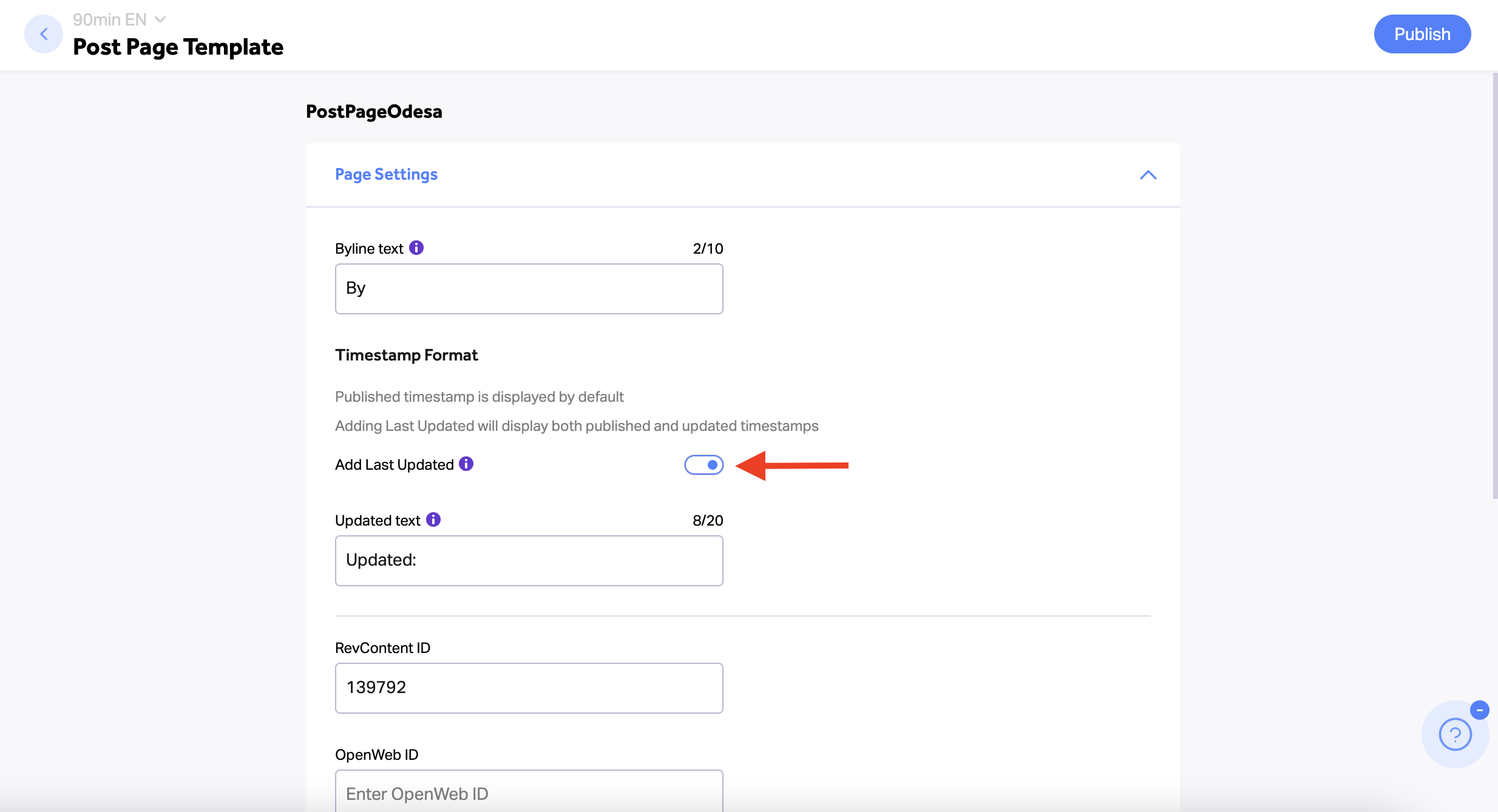
If you edit a post page and you want the most recent update date to appear, follow these steps:
- Via Craft, click on the “Pages” section
- Search for your site’s post page template
- Click on the page you would like to edit
- Click on the ‘Add Last Update’ toggle
- You may edit the “Updated” text if necessary. This is especially important for sites in languages other than English.
- Click on “Publish” to save the changes