To create new navigation:
- Click on “Create New Navigation” at the top right corner of the page
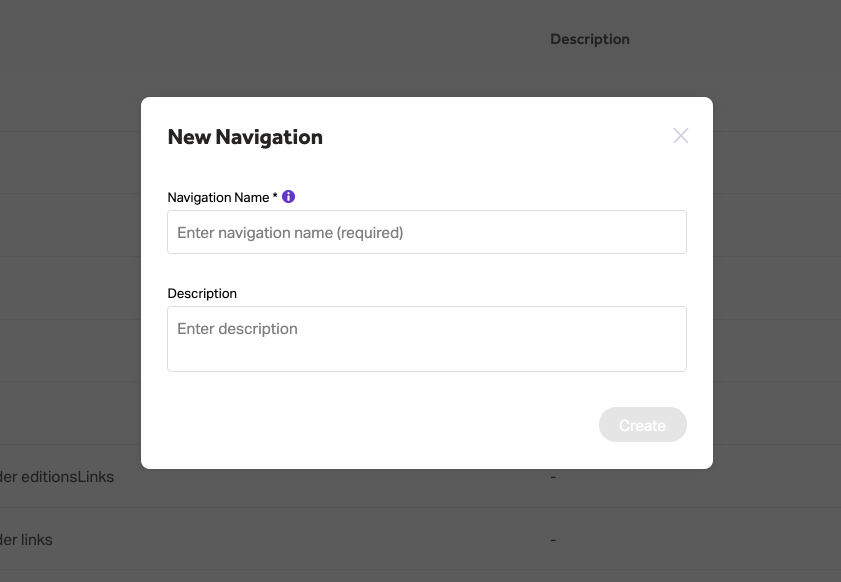
- Enter a navigation name and description (optional)
- Next, define the pages and links that will appear in each navigation category
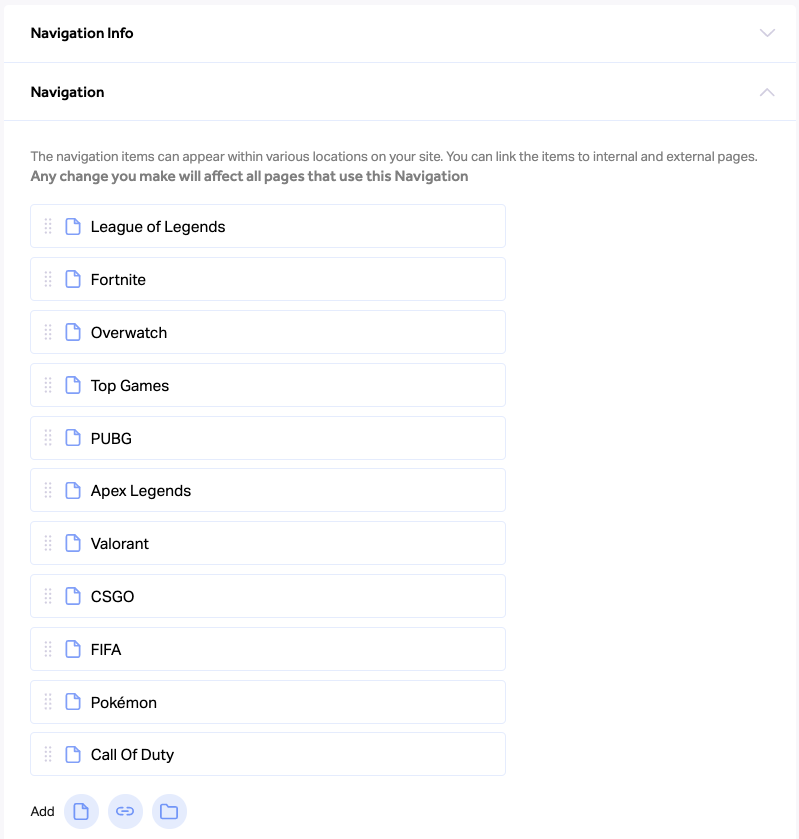
- You can change the display order of links and categories in the navigation by dragging and dropping
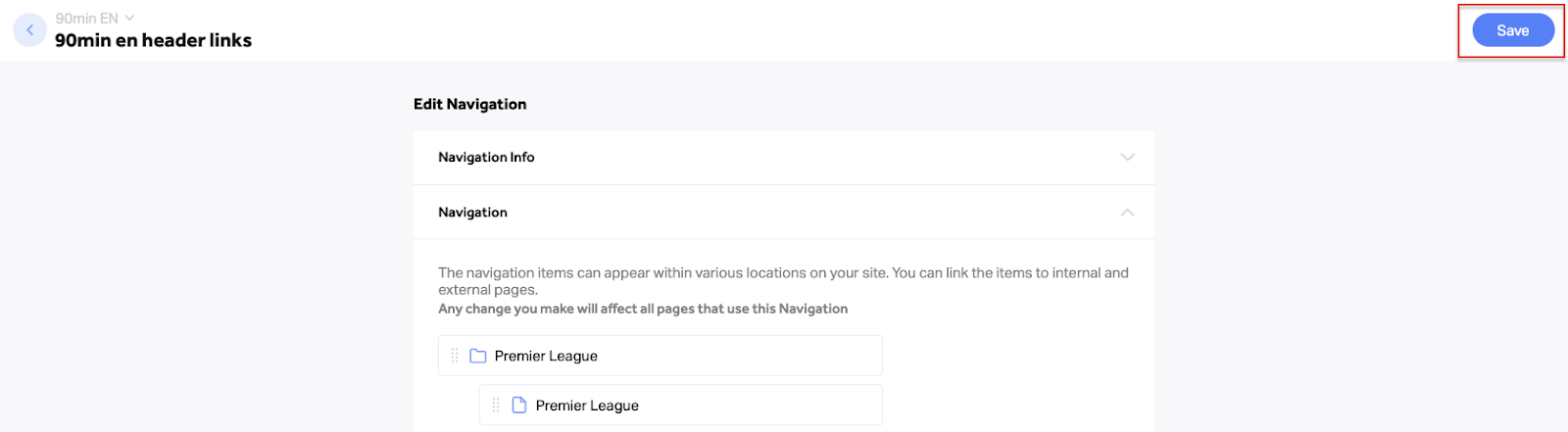
- Click “Save” at the top right corner to save and publish all changes to your live website