When editing a new home page, you need to fill in the following fields:
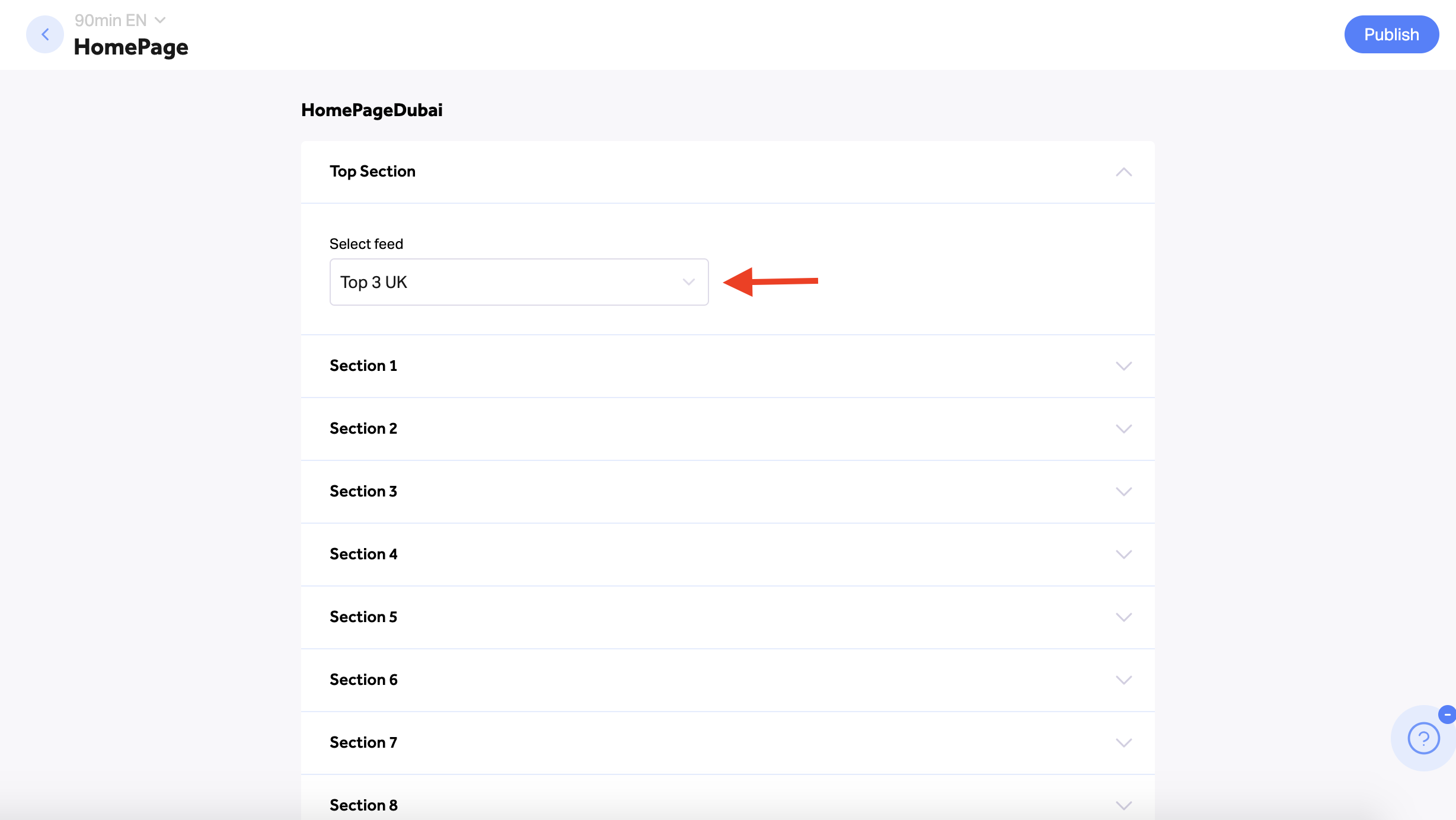
1. Top Section:
- Use the drop-menu to select one of your site's feeds (destinations) that should appear within your Homepage's top section
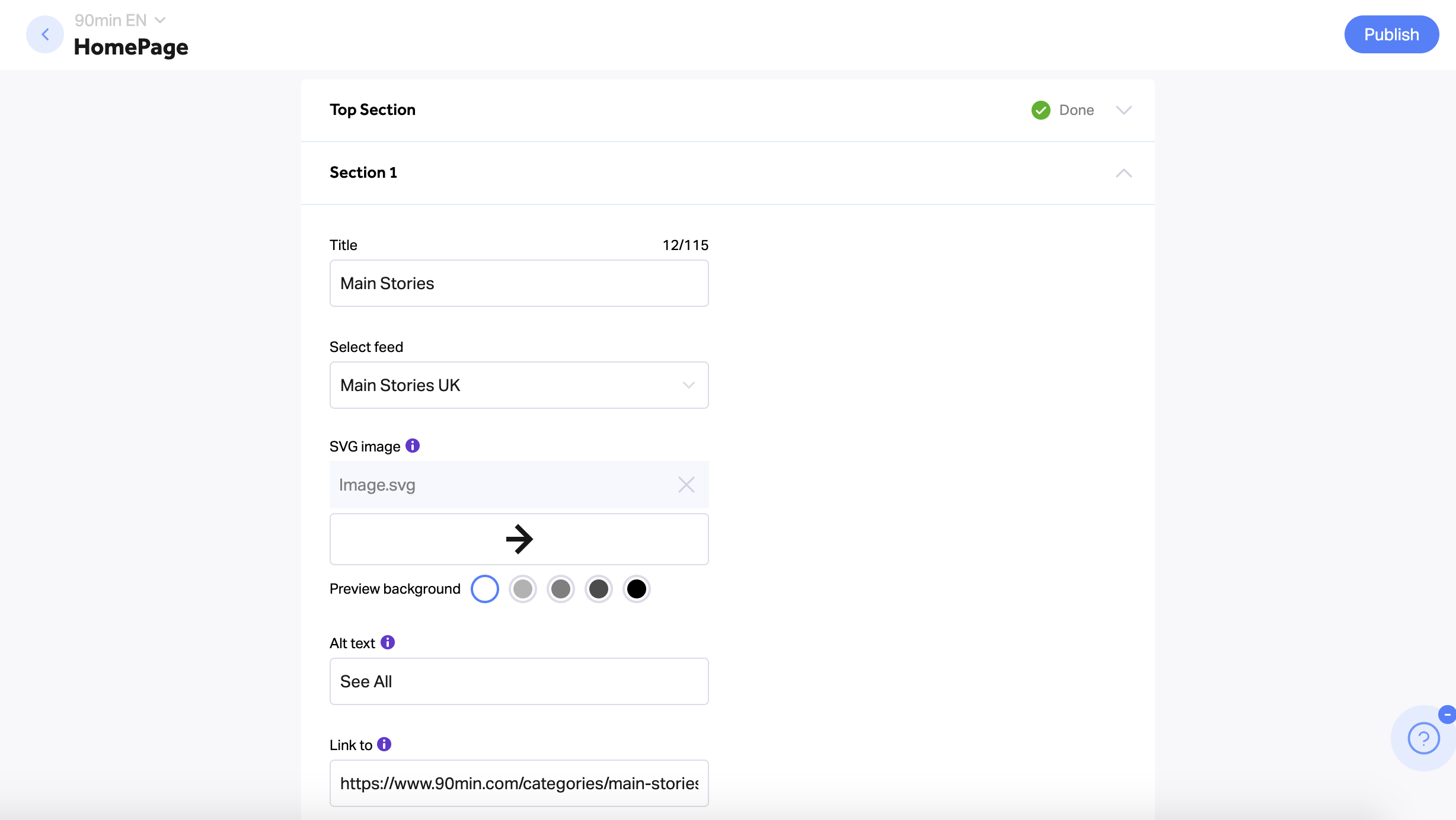
- Content Sections (number of content sections varies according to your Homepage's template)
- For each section, type in a title and select the desired feed (As in the Top Section) - Represents the content sections within your Homepage
- According to your template, define the icon, link, and text that should lead readers to all posts within this destination (FeedPage)
- Option 1 - If your template supports an "Arrow" button - Upload an SVG file, URL, and Alt text.
- Option 2 - If your template supports a text button - Define the "Feed Button Text" (for example: "See All") and its link.
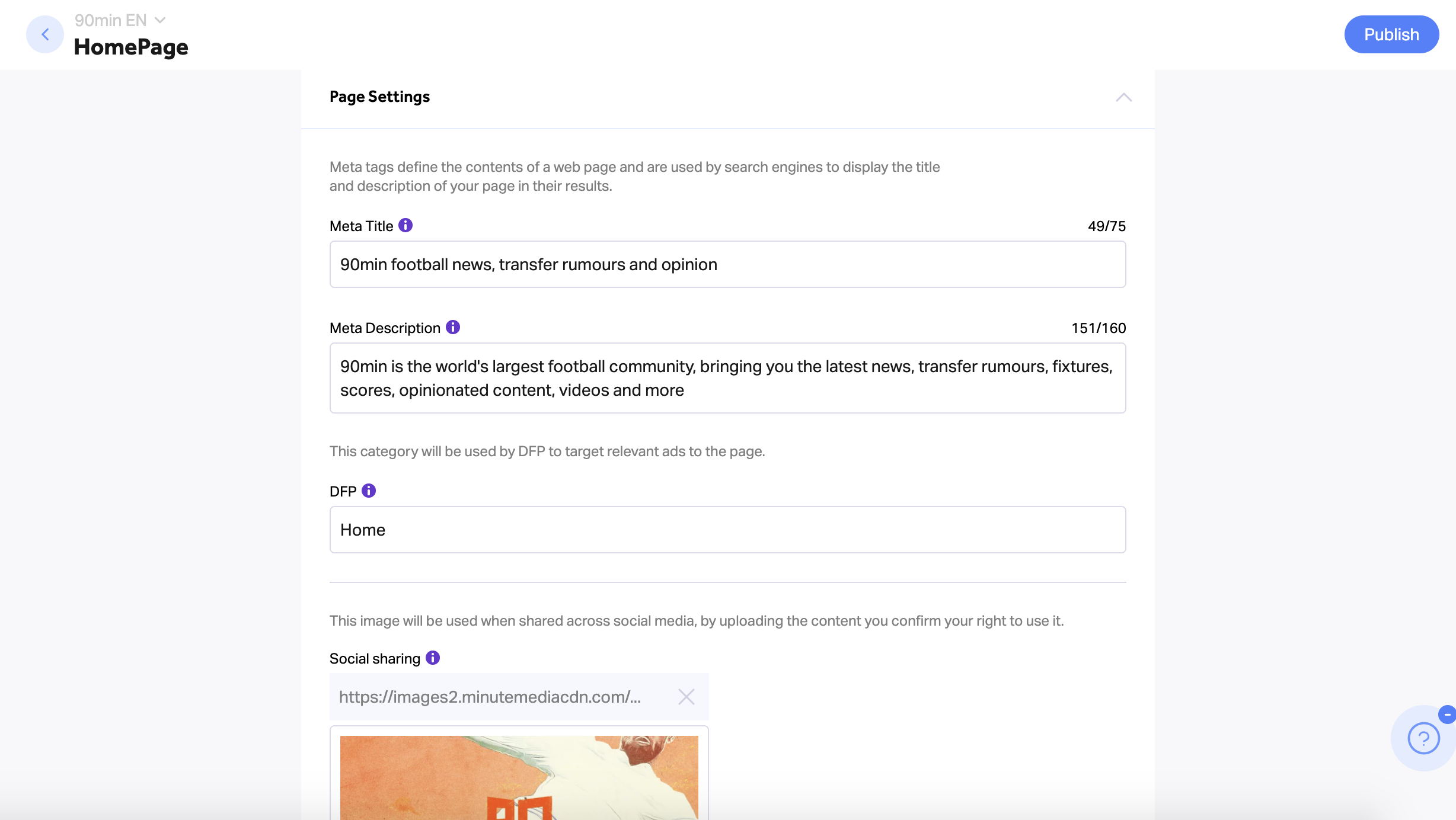
- Page Settings
- Type in the Homepage's "Meta Title" for SEO purposes (75 characters max) - This title will be displayed on the browser tab on top and will be used by search engines to display the page within the results
- Type in the Homepage's "Meta Description" for SEO purposes (160 characters max) - This description should summarize the page content and will be displayed in search engine results, improving the SEO ranking.
- Type in the page's DFP category to target relevant ads (we currently use the "Home" category by default, and it should not be changed)
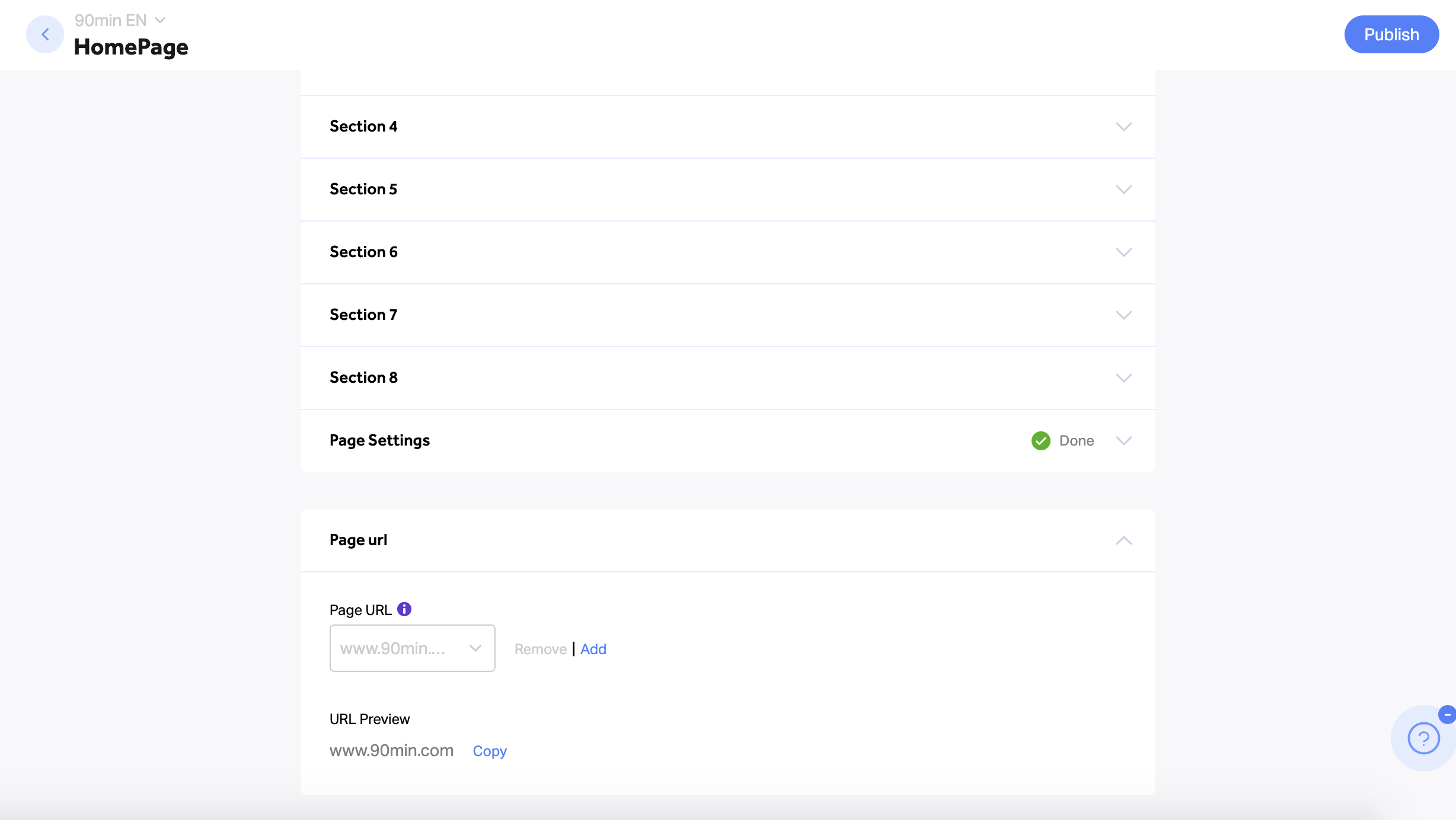
- Page URL
- This field is used to define your Homepage's URL - Please do not alter it as all of your homepages are already configured to use the correct URL
- At the bottom of this section, you can preview the complete URL structure and copy it as needed
- Click on the "Publish" button on top to update your Homepage according to your changes (Clicking on the "Back" button without publishing will not save your changes)
Important Notes:
- Anyone with access to Craft can edit their Homepage's various content sections via the editing screen
- All Homepage editing screens are already updated with the data according to the different Homepages
- Remember to consult the SEO team about any change you're planning to make, as it may affect the site's traffic / SEO if done properly.
- All sections within the Homepage editing screen are mandatory. If one field remains empty, the page can't be updated