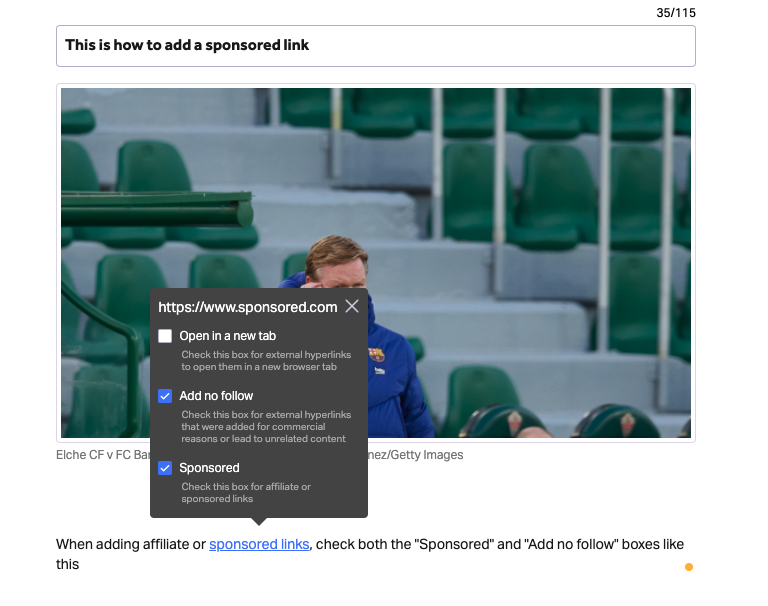
In light of recent changes to Google’s algorithm, the "No follow" and "Sponsored" attributes should be selected for each sponsored or affiliate link that is added to an article as a hyperlink to mitigate the risk of Google's penalties.
Follow the steps below:
- Select text within the CMS Editor
- Click on the "Hyperlink" icon
- After pasting the link, check the "Sponsored" and "Add no follow" boxes