To add a Voltax Player video to your media block, you can use an embed code(1) or search(2):

- To use an embed code, go to the Media Playground and choose the “Voltax Player” embed option:
1. Go to your videos screen in the VMS
2. Choose the desired video from the table
3. Copy the video’s iframe embed code (make sure you are using the correct player)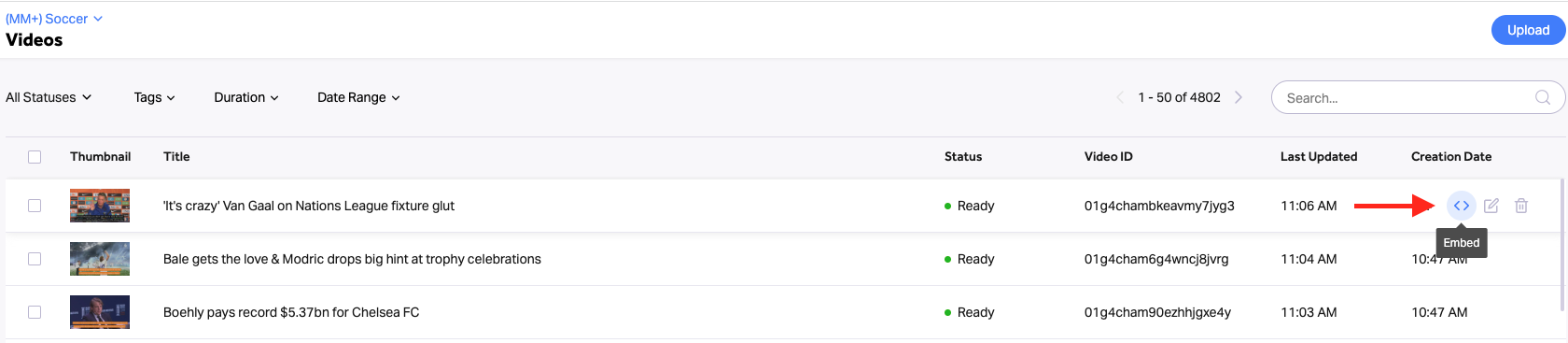
4. Go back to the playground in the editor
5. In the Voltax Player embed, choose the “Embed” option
6. Paste code
7. Click add - To use the search functionality, go to the Media Playground and choose the “Voltax Player” embed option:
- Choose the “Search” option
- Enter a keyword for the desired video you’re looking for
- Choose the video from the suggested options
- Click add