If you wish to unpublish an article, follow these steps:
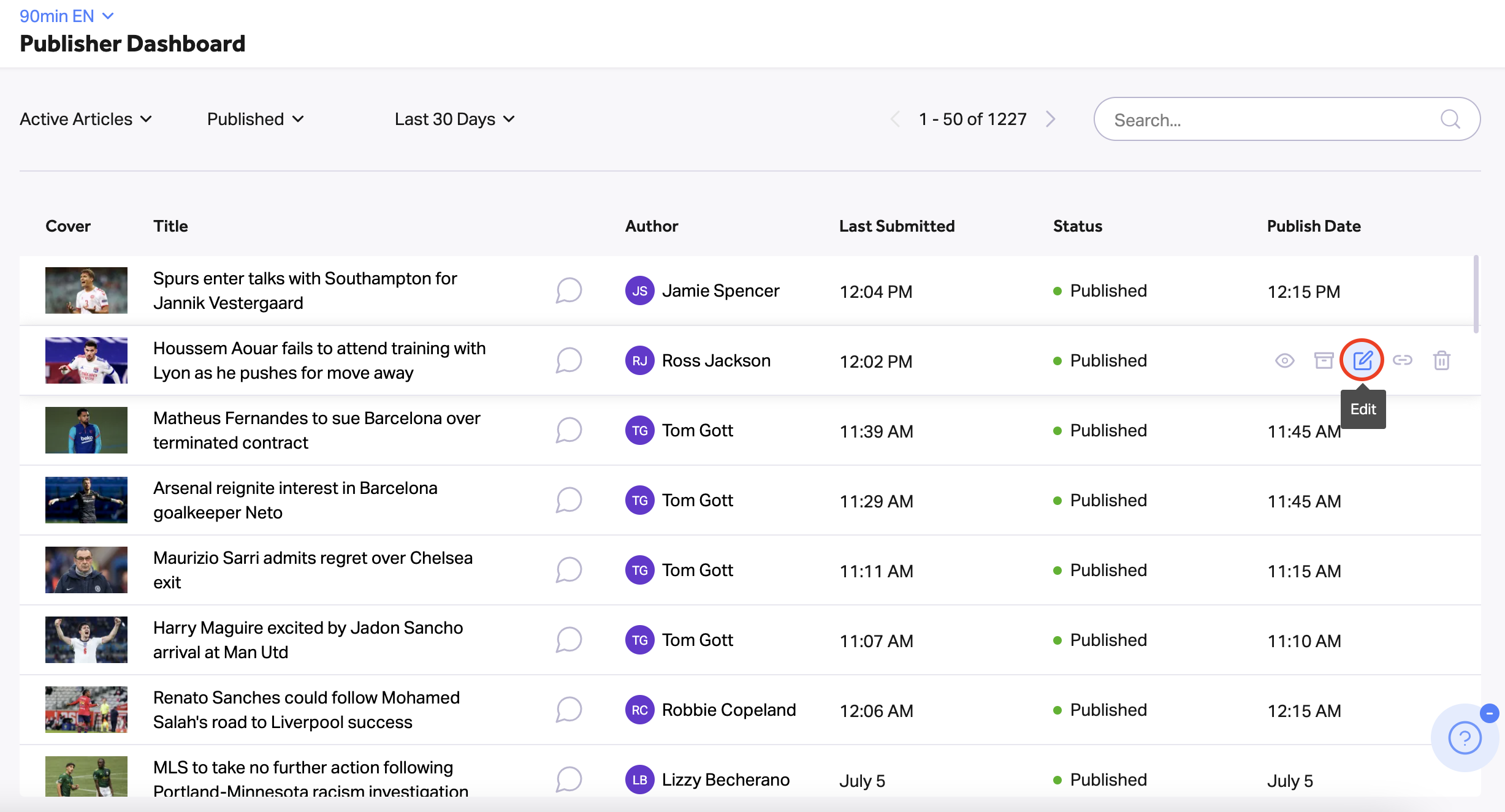
- On the publisher dashboard, hover over the article you want to unpublish and click on the edit icon to the right.
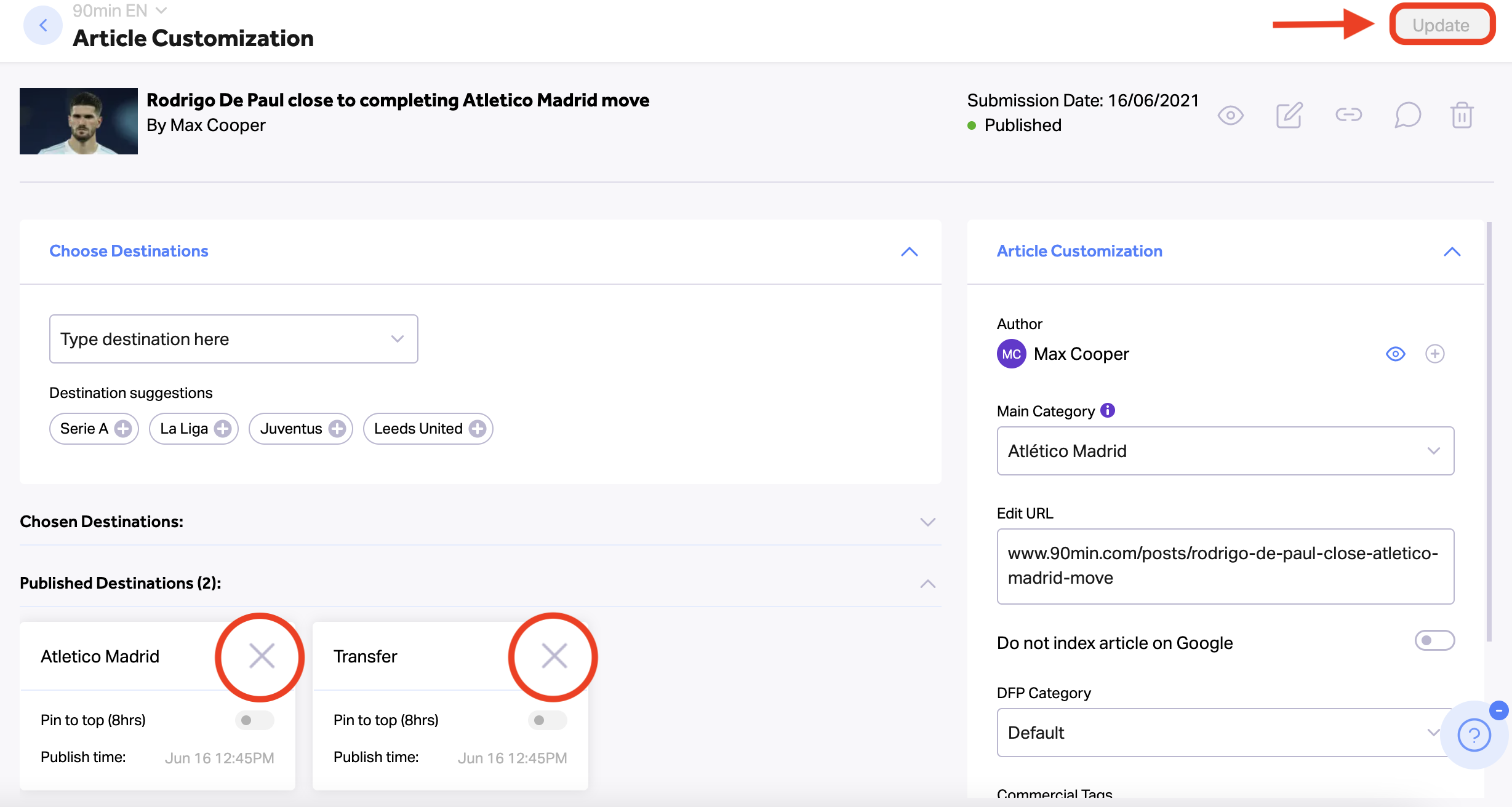
- In the article customization dashboard, click on the ”x” sign on the destination you want the article to be unpublished. This will unpublish the article from that destination only. If you want to unpublish the article from all destinations, remove them all.
- Click on the ‘Update’ button on the right side of the dashboard to save the changes.