Before publishing an article you will be able to select its "Main Category" by using the dropdown at the top of the "Article Customization" side menu.
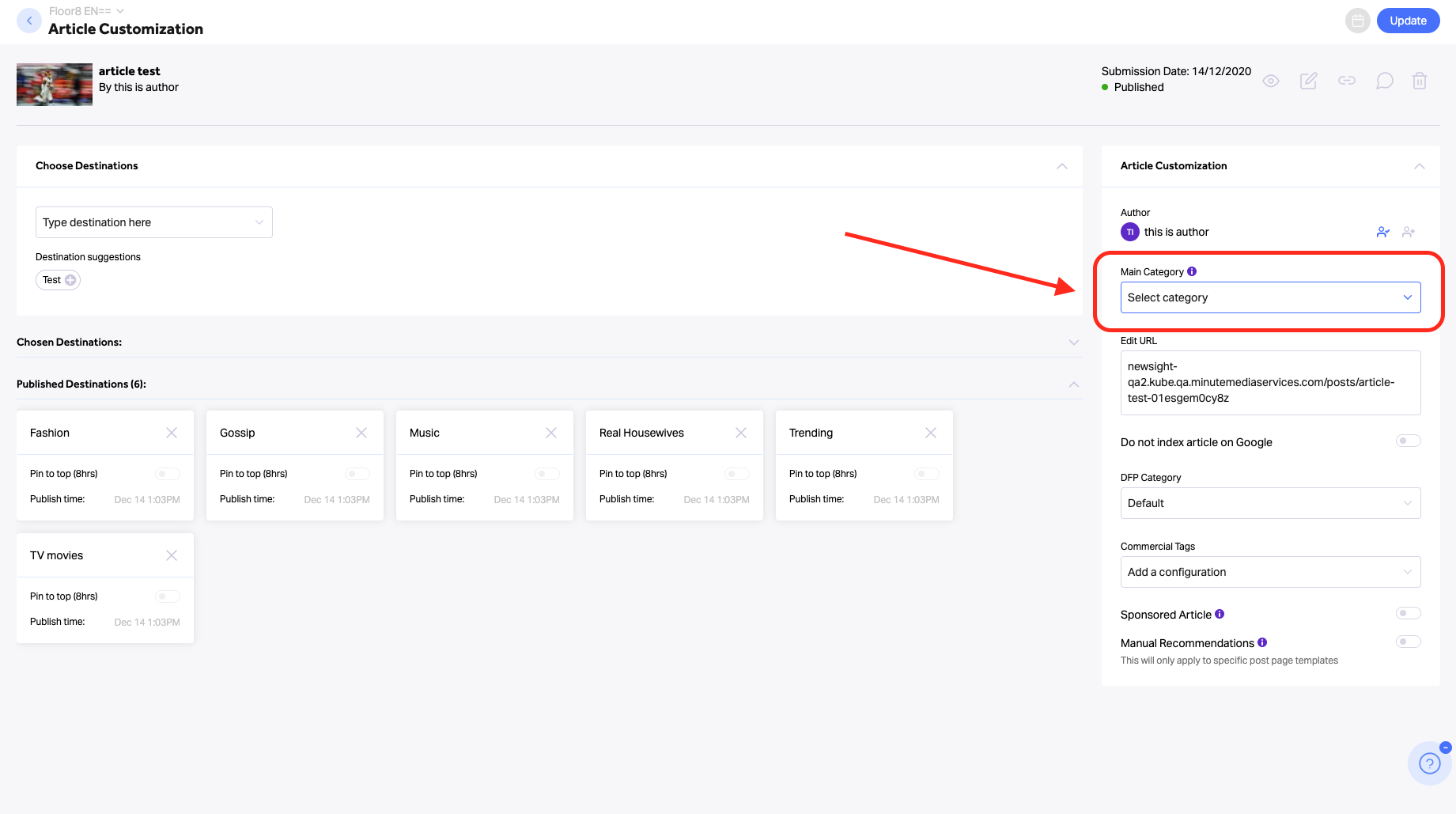
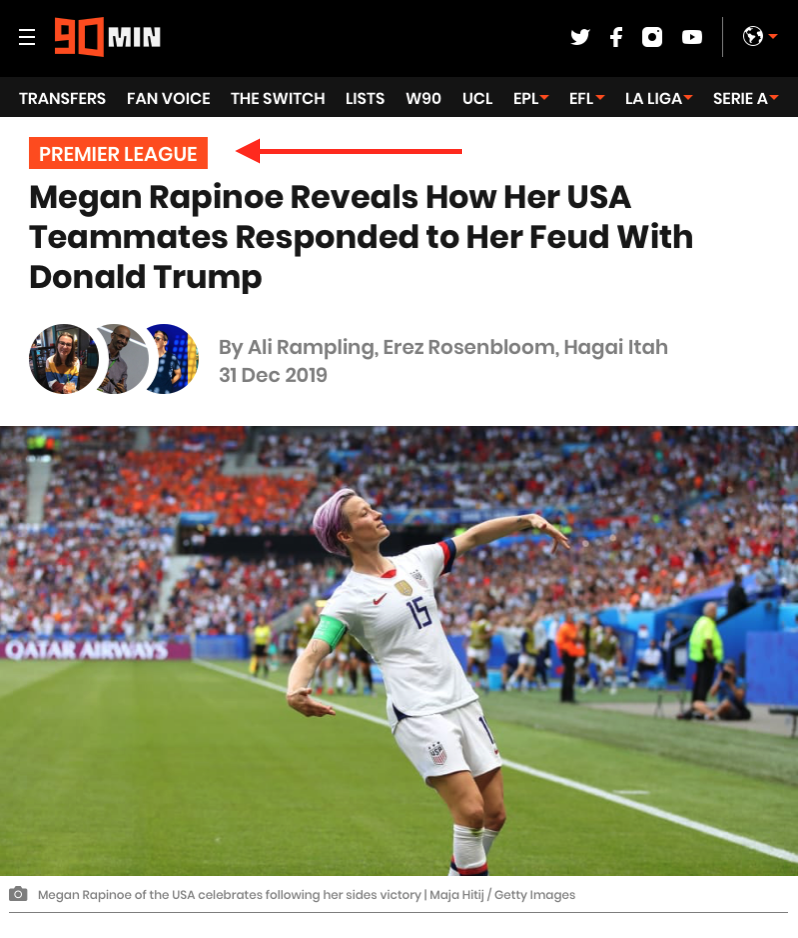
The category names will be used for labeling your articles on the site which will be presented on top of the post-pages themselves.
Notes:
- The Categories' names can be edited via Craft but they can't be deleted.
- Be aware that the "Main Category" is only used for labeling your articles on the site-side, make sure not to confuse it with the "DFP Category" that is used for targeting purposes.
- Selecting the article's main category isn't mandatory, yet will help SEO by increasing your site's internal linking and your pages' ranking in Google.
- If you have some evergreen content that was already published to your sites, you can search for those articles via the publisher table, click on them and add the relevant categories.
- If a specific category is "deactivated" in Craft, users won't be able to select this category via this dropdown.
SEO TIP
Adding an article’s main category will add the Feed page’s link to the top of the Post Page, helping to navigate users to the Feed page and boost its SEO power.
*Check out Minute Media's extensive SEO Best Practices guides for additional SEO tips & tricks!