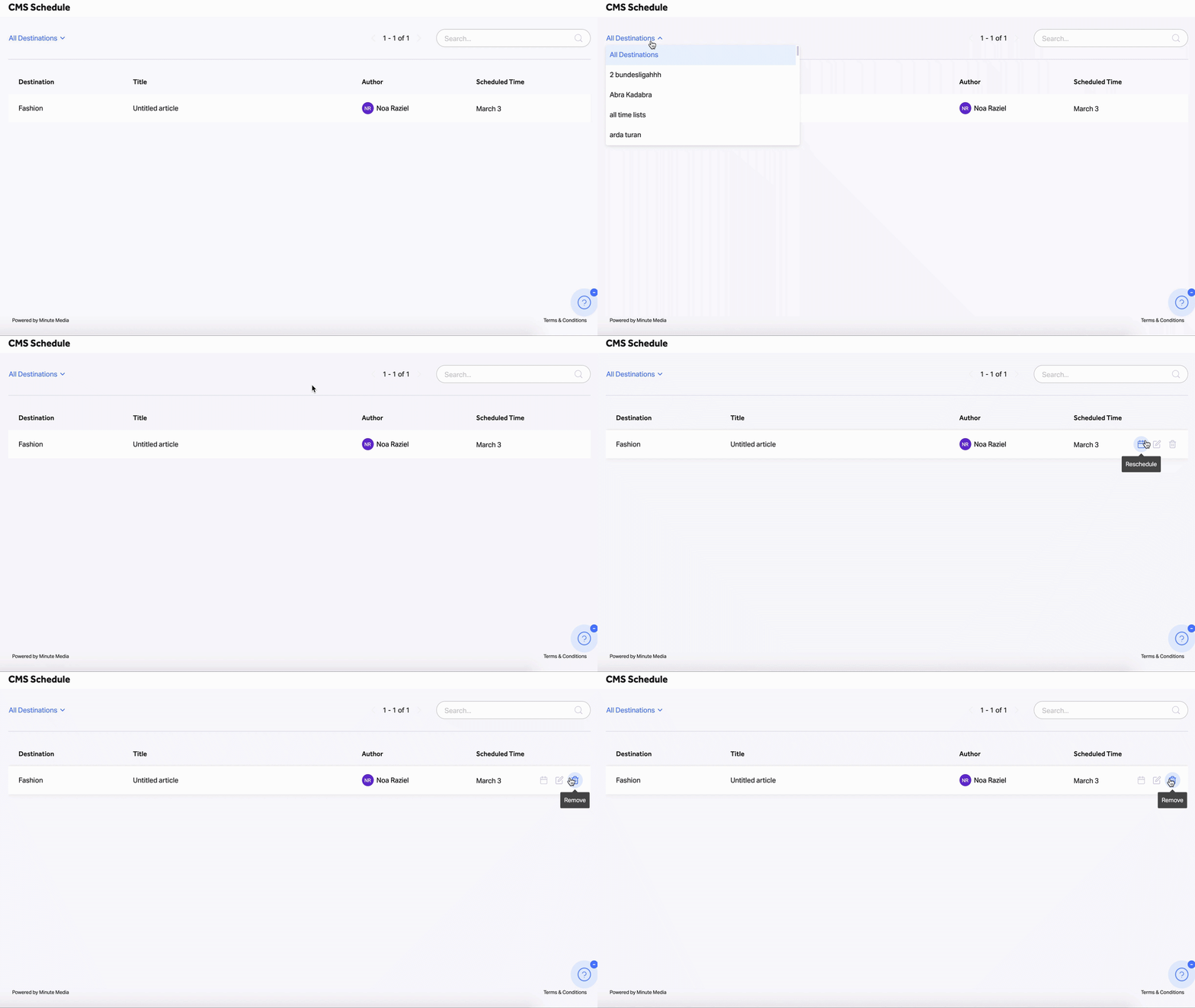
The schedule table gives an overview of all the currently scheduled articles for future publication according to their various destinations.
To view a specific article in the schedule, you may search for its name or filter by destination using the destination dropdown.
In the Schedule dashboard, you can do a few things besides just viewing all the scheduled articles:
- Rescheduling an article- Click on the Reschedule button to change your article publish date per destination.
- Editing an article- In case you wish to modify the publishing settings of your article, quickly access the Article Customisation screen by clicking on the Edit icon to apply all the necessary changes (Ex. destinations, authors, etc.).
- Deleting an article- You can prevent an article from being published into a specific destination by clicking on the trashcan button.
Note that deleting will remove an article from the specific scheduled destination and all the rest of the published and scheduled destinations.